Document LTP0099 rev 2e
Setting Operating Mode
- Press "Mode / Enter" button until desired mode is displayed.
- After a certain amount of time, the display will show the selected mode and current water temperature.
- Cooling Mode - After fan and compressor starts, the blue "Cooling" light will activate.
- Off - The chiller will indicate it is deactivated. The current water temperature will be displayed.
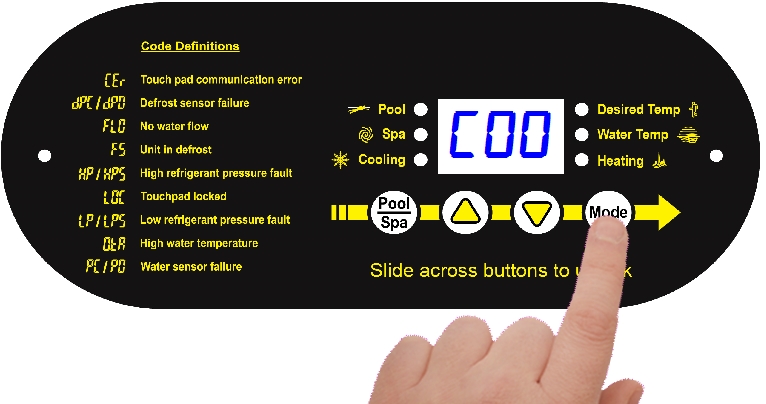
Cooling Mode
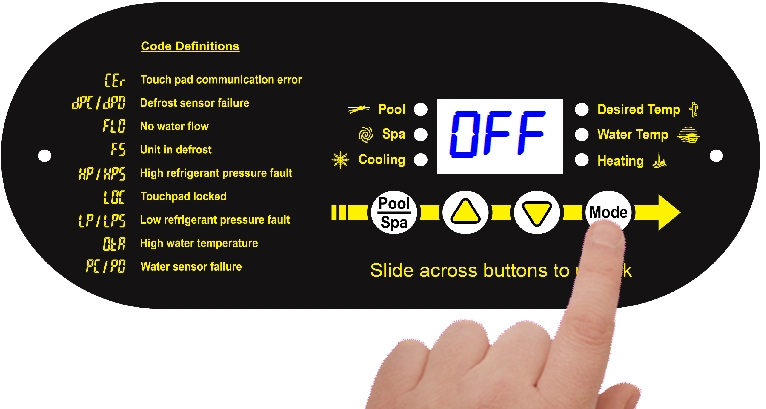
Deactivate Chiller
Heating / Cooling modes only available on select equipment. Confirm heat pump features before setting a mode.